WTDaBuzz · Production & AI · 17 October 2026
Blackmagic Design’s Photo page announcement connects still-image work with a toolset already associated with moving-image finishing. For entertainment campaigns, that makes the relationship between stills and video assets worth reviewing.
In its 13 April 2026 DaVinci Resolve 21 announcement, Blackmagic introduced a Photo page for importing and managing photographs with access to its colour workflow. The release described a public beta at that time. The feature does not by itself establish an approved look or delivery specification for a campaign.
Connect the assets through the campaign brief
A video production file-management process can include related stills without pretending that every asset has the same purpose. A key-art image, a social crop and a video frame may need different treatments while representing the same production.
A hypothetical campaign should identify which person approves each asset type and how the team maintains the relationship between them. That makes a creative change easier to apply consistently without assuming that one output can simply replace another.
Keep originals and reviewed versions identifiable
The team needs to know which material is the source, which is being worked on and which has been accepted for a defined use. A folder containing several attractive alternatives is not a clear approval record.
A practical handoff can connect each reviewed output to its purpose, version and owner. If a partner requests a different crop or treatment, the team can then identify what needs another review.
Test the exchange the supplier will actually make
A production should follow one representative still through its proposed workflow and ask the intended recipient to confirm whether the result is usable. The test should retain its conditions and any limitations.
That exercise provides evidence for scheduling the work and defining responsibilities. It is more useful than assuming that a broader toolset automatically eliminates every distinction between photo and video production.
Resolve’s Photo page creates another option for related creative work. A coherent asset brief remains the link between that option and a campaign the team can deliver consistently.
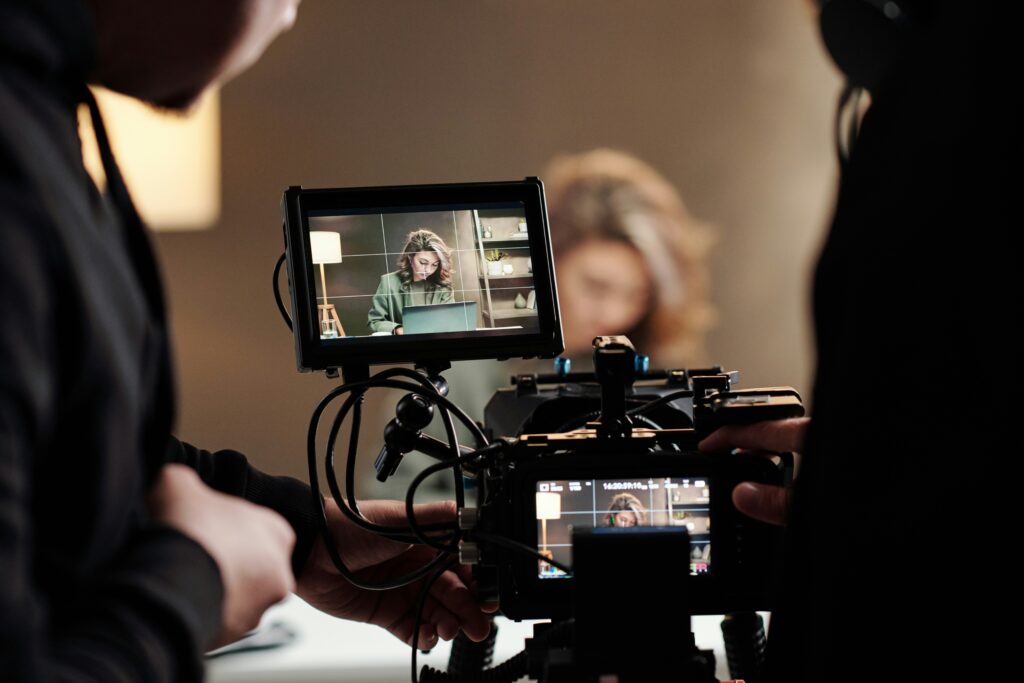
Image: Illustrative production monitor, Getty Images / Unsplash+, licensed original. It does not show the DaVinci Resolve Photo page.